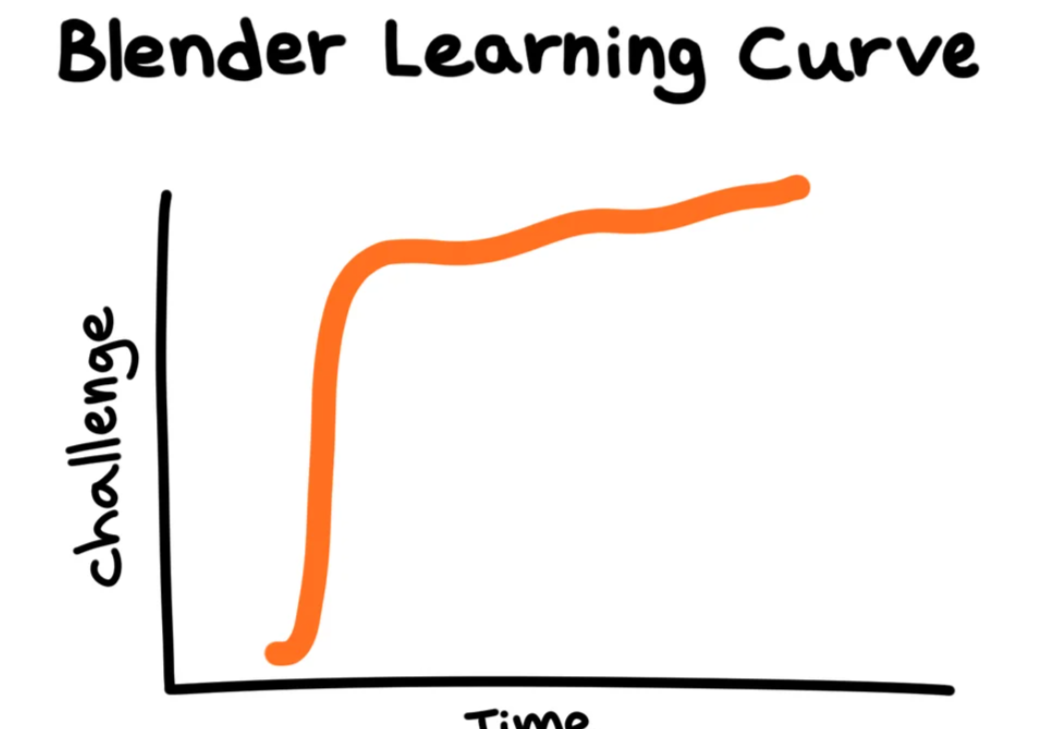
I created Suzanne to solve a problem I kept seeing in Blender: beginners do not usually fail because they are not trying, they fail because learning is fragmented. Most new users start with a tutorial video, pause it every few seconds, try to copy each click, and then get stuck when their interface looks different. From there, they open forum posts, Reddit threads, and old answers that may use different Blender versions, shortcuts, or menu names. Even when each source is useful on its own, the total experience becomes confusing because the steps are spread across too many places and too many assumptions are left unstated.
For many beginners, Blender learning turns into constant context-switching. They leave Blender to search for one tiny detail, then return and lose the flow of what they were building. A simple task like adding a modifier or fixing shading can lead to ten browser tabs and several conflicting explanations. This is harder than it sounds because beginners are learning two things at once: the creative goal and the software language. They are not just asking “how do I do this,” they are also decoding new terms, panels, and workflows in real time.
Another issue is that beginner resources often skip the “in-between” steps. Tutorials are optimized for speed and clarity, but real beginners need extra guidance on where to click, why a step matters, and what to check when results do not match the video. Small gaps create big frustration: one missing setting, one hidden panel, one wrong mode, and the learner feels like they did everything wrong. Over time that can make Blender feel intimidating, even when progress is possible.
That is the gap Suzanne is designed to reduce. I wanted one in-Blender place where beginners can ask questions in plain language, get immediate help, and stay inside their workflow. Instead of jumping across external sites, they can ask from the same screen where the problem happens. That keeps momentum, lowers friction, and helps learning feel more like building and less like troubleshooting across the internet. It is a small shift, but it makes the learning process feel much more supportive.
The first version of Suzanne was very limited and rough. I had to record audio manually in Audacity, then import it into Blender, and the whole flow was glitchy and slow. Still, each iteration taught me how to remove one more point of friction for beginners. That progress has been genuinely rewarding: seeing Suzanne move from a clunky prototype toward a practical learning companion makes me feel that the original idea was worth it.